Turn movement into screen time.
200 steps = 1 minute on the apps that eat your evening. When those minutes run out, the apps go quiet until you move again. That’s the whole app.
No account. No sign-up. Your movement never leaves your iPhone.

The algorithm on the other end is a professional. You needed a teammate.
A feed has no last page. There is no credits roll, no final whistle, nothing that says you’re done now — and that isn’t an accident. Willpower was never a fair fight against a system designed to never end.
So Stride doesn’t ask you to want it less. It puts a real boundary where the feed refuses to put one, and makes the way back through something you were going to do anyway.
Quitting is hard. Science agrees the best method is to replace it — and what better replacement than movement you already do?
Three moves. That’s the whole loop.
Move.
Steps, stairs, workouts and swims land in Apple Health on their own. Stride reads the totals and fills your balance.
Scroll.
Spend the minutes however you like, on whatever you picked. The ring counts down while you do.
You’ve spent what you earned today, Alex.
1 flight of stairs counts as 25 steps. The staircase is right there.
Pause.
At zero, those apps go quiet. Not forever — until you move again. The refill is right outside.
Nothing to log. No camera. No reps to film.
Stride reads the steps, stairs, workouts and swims you already do, straight from Apple Health. You live your day; the balance fills itself.
Steps
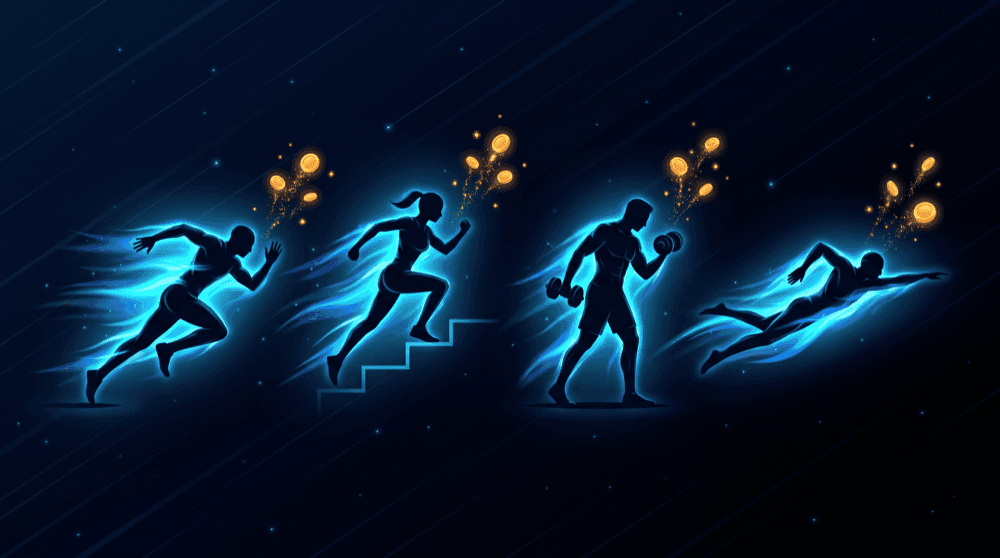
200 steps = 1 minThe baseline. Every walk to the kitchen counts, and the rate is yours to set.
Stairs
1 flight = 25 stepsClimbing is harder than walking, so a flight pays like 25 steps and moves with your rate.
Workouts
1 min = 1 minApple Watch exercise minutes are pegged one for one, whatever your rate. Real effort always feels generous.
Swims
25 m = 1 minSwim distance from an Apple Watch workout, pegged too. Steps were never going to measure a pool.
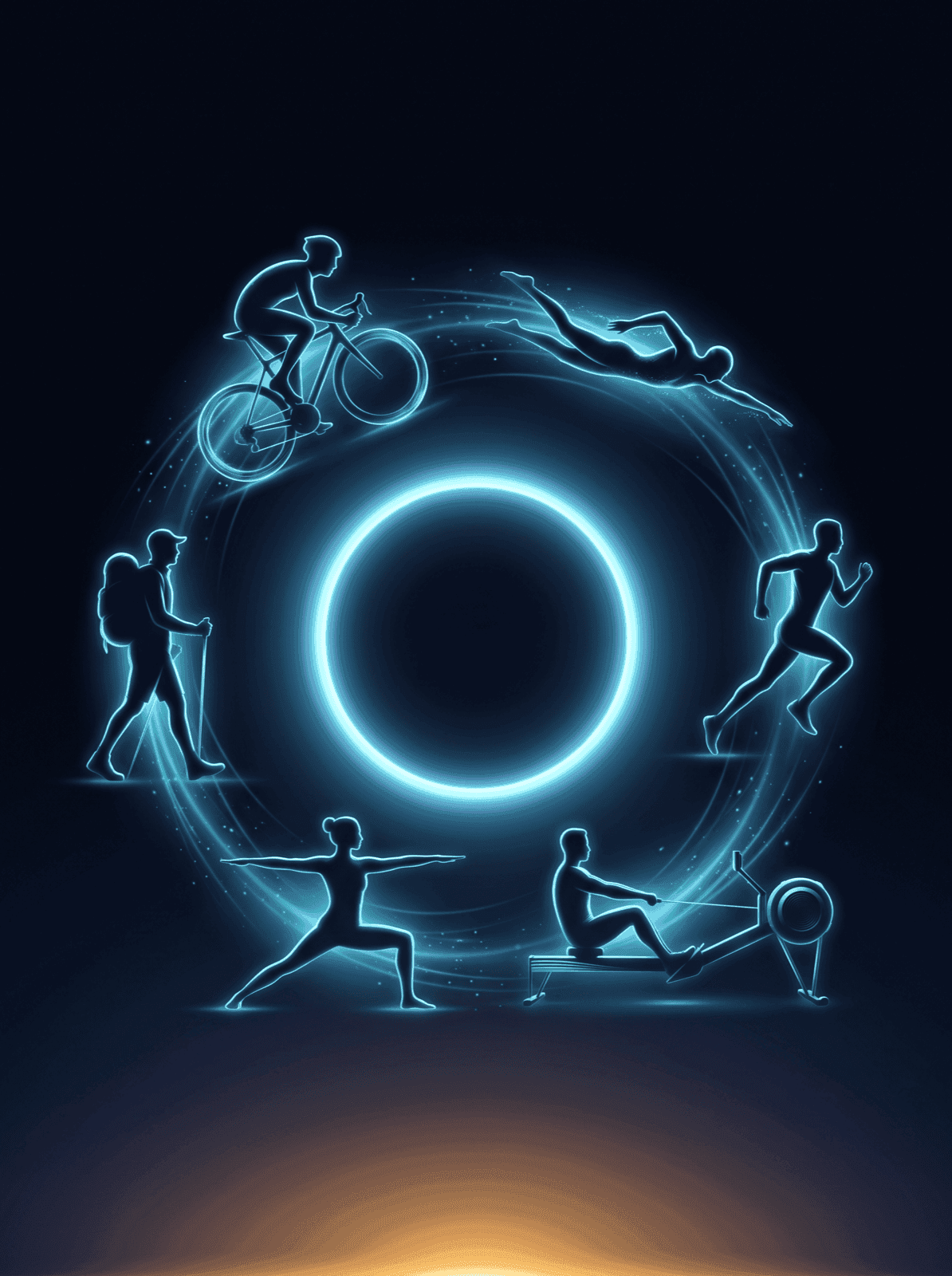
Every Apple Watch workout earns.
Cycling, rowing, yoga, HIIT, strength — 80+ types. If your Apple Watch tracks it as exercise, it becomes screen-time minutes, one for one. Steps were never going to measure a swim, so swims are pegged too, at 25 metres a minute.
Counted once, at the better rate
Those steps and that workout filled the same hour, so Stride paid the bigger number — 30 min, not 22. Your steps are in there. One run, one payout: the ledger would rather be honest than flattering.
Do the math yourself.
These are the app’s real formulas, not an illustration. Move a slider and see exactly what a day like yours would buy.
200 steps = 1 minute. Stairs move with it; workouts and swims never do.
Your first week also carries a 15-minute free floor, and hitting your step goal banks a 15-minute reserve for a rainy evening.
You’ve spent what you earned today, Alex.
1 flight of stairs counts as 25 steps. The staircase is right there.
Out of minutes? Your apps take a breather.
Not a lecture, not a lock you have to argue with. iOS pauses exactly the apps you chose, and the way back is a staircase or a short walk away.
You make the list.
Pick apps, whole categories, or websites in Apple's own picker. Never paused: Phone, Messages, and everything you didn't pick.
The wall is kind, and it isn't red.
No alarms, no shaming. A card that tells you where you are and hands you the two fastest ways back: move a little, or spend your reserve.
Turning it off is slower than a walk.
We never make disabling impossible — we make it deliberate. A breath, then a 30-second press-and-hold, and it re-arms itself at 4 AM.
Late enough and the card stops pretending a walk is the answer: “It’s 11:24 PM. Nothing good is in the feed right now. See you tomorrow. 🌙”
Your minutes follow you everywhere.
One number, on every surface you already glance at. The phone owns the maths; everything else mirrors it.
Home Screen
Small and medium widgets, reskinned by whichever theme you've unlocked.
Lock Screen
A circular gauge and an inline line, so the number is there before you unlock.
Live Activity
The balance lives on the Lock Screen and in the Dynamic Island while the shield is up.
Apple Watch
Balance, steps and streak on the wrist, plus complications for every face.
Streaks, themes, and a week you can see.
Any day you earn at least 10 minutes keeps the flame. Keep it long enough and the whole app changes colour.
This month
12-day streakBrighter = more minutes earned.
Milestones
Eight in total, each one earned by doing the thing rather than by opening the app.
Ocean.
Where everyone starts. Cold water, first light.
Forest.
A week of movement. The colour of somewhere sheltered.
Summit.
Two weeks up. Thin air, long view.
Cosmos.
Two months. Very few rings look like this.
Everything stays on this iPhone.
Not a promise we ask you to take on faith — mostly it’s just how the app is built, and partly it’s Apple refusing to tell us things in the first place.
No account, ever.
No sign-up, no email, no password, no profile. There is nothing to log into and nothing to leak.
Four totals, read-only.
Steps, flights climbed, exercise minutes and swim distance. Stride never writes to Health, and never reads heart rate, sleep, routes or location.
We can't see your apps.
Screen Time hands apps nothing but opaque tokens. Stride cannot see which apps you picked, what you do in them, or your usage history — it shows a number: “6 apps.” That is the entire picture we get.
The maths happens on your phone.
Your movement is converted to minutes on-device and stored on-device. There is no backend of ours, and deleting the app deletes everything.
One honest exception
Subscriptions are validated through Apple’s StoreKit and RevenueCat, running in anonymous mode. They see purchase and entitlement data only — never your movement, your Health data, or your app choices. It is the only network call in the app, and the parts that do the blocking are offline entirely.
Read the full privacy policy →
One subscription. It runs the shield.
Blocking apps needs an active plan, because the subscription is what keeps the shield running. Everything else stays open — you can walk the whole app and watch your own real numbers add up before you decide.
Yearly
Save 66%3-day free trial on the yearly plan
About $1.67 a month.
Monthly
Cancel any time in Settings.
Both plans include
- Choose the apps to pause, and arm the shield
- All four earning sources, read straight from Apple Health
- Streaks, freezes, milestones and all four themes
- Home Screen and Lock Screen widgets
- Live Activity and Dynamic Island
- Apple Watch app and complications
If you stop paying, Stride lets go.
Immediately and unconditionally — offline, and even with the app force-quit. A lapsed subscription stops the shield and hands your apps back with nothing to pay, nothing to sign in to. Being locked out of your own apps would be the worst thing this app could do to you, so it is designed out rather than promised away.
Stride Pro is an auto-renewing subscription: $4.99 per month, or $19.99 per year with a 3-day free trial. Payment is charged to your Apple Account at purchase confirmation. It renews at the same price and duration unless cancelled at least 24 hours before the current period ends; renewal is charged within 24 hours before that point. Manage or cancel in Settings > [your name] > Subscriptions. Any unused portion of a free trial is forfeited when a subscription is purchased. Prices in USD; may vary by region.
The things worth asking.
Do I need an Apple Watch?
No. Steps and stairs come from the iPhone in your pocket, and that is enough to earn all day. If you do wear an Apple Watch, workouts and swims start counting too — and those rows only appear once a Watch is paired, so nothing on your screen is advertising hardware you don't own.
What happens when I run out of minutes?
The apps you picked pause. You get a card with a way back rather than a dead end: move a little and the balance refills, or spend the 15-minute reserve if you banked one by hitting your step goal. Phone, Messages, and everything you didn't pick keep working the entire time.
Can I cheat it by shaking my phone?
Not usefully. Stride stops counting above 210 steps a minute, which is faster than anyone walks, and it throws away any Health entry that was typed in by hand. When several devices record the same walk, Apple Health merges them — Stride never adds them up.
What data do you collect?
None of your movement. Stride reads four totals from Apple Health — steps, flights climbed, exercise minutes and swim distance — computes minutes on your device, and stores the result on your device. There is no account and no backend of ours. The one exception is subscription validation, which sees purchase data only.
Can Stride see which apps I block?
No, and this is Apple's design rather than our promise. Screen Time hands apps nothing but opaque tokens, so Stride cannot see which apps you picked, what you do inside them, or your usage history. The interface shows a number — "6 apps". That is the entire picture we get.
Does Stride manage another person's phone?
No. Stride only ever pauses apps on the iPhone it is installed on, and it asks for Screen Time access in self-management mode. It is not a monitoring tool and it cannot be pointed at anyone else's device.
What happens if I cancel?
Stride lets go immediately and unconditionally. Enforcement carries a dated lease, so even offline with the app force-quit, a lapsed subscription stops the shield and hands your apps back — nothing to pay, nothing to sign in to. Being unable to unblock your own apps would be the worst bug this app could have, so it is designed out.
Will it drain my battery?
Stride reads totals Apple Health has already recorded and leans on the system's own Screen Time monitoring. There is no background GPS, no camera, and no sensor of its own running behind the scenes.
Why isn't there a free version?
The subscription is what runs the shield, so pausing apps needs an active plan. Everything else stays open: you can walk the whole app, connect Health, and watch your own real numbers add up before you decide. The annual plan carries a 3-day free trial.
Which apps can it pause?
Any app, category or website you choose in Apple's own picker. You make the list, you can change it whenever you like, and anything you didn't pick is never touched.
What happens at midnight?
The balance resets and unspent minutes expire, which is the point — a day's screen time should be earned by that day's movement. Your streak counts any day you earned at least 10 minutes, and hitting your step goal banks a 15-minute reserve that does carry over.
Is there an iPad or Android version?
Stride is iPhone only, on iOS 17 or later, with an Apple Watch companion on watchOS 10. There is no iPad or Android version.
What if I don't want to grant Health or Screen Time access?
You are never dead-ended. Without Health, Stride runs in Preview Mode so you can see how the loop works. Without Screen Time, it runs in Bank Mode — you keep earning and banking minutes, and can connect Screen Time later to actually arm the shield.
Stride. Move, then scroll.
Earn your screen time from the movement you were going to do anyway. The fastest refill is right outside.
Stride is finished and in review preparation. This page goes live with the listing.
Requires iOS 17 or later. iPhone, with an Apple Watch companion.
Made by Apphive Technologies